Installing SCCM 2403
If the Windows ADK is updated on the SCCM server you have to update it on the device where you may require the Boot sticks creating.
as of 11 Novemeber 2024 its version 10.0.26100.1. If older version is installed you have to uninstall the old one first so in the SCCM build there is ADK_OLD which is the older ADk so it can be uninstalled, this is done by the install script.
The console files are downloaded from D:\Program Files\Microsoft Configuration Manager\tools\ConsoleSetup
MDT files have not changed since 2020 just use the x64 version. Have to copy x86 winpe from another ADk as Dart fails to install otherwise
Dart files have not changed fro a while so use them.
Once these have installed have to put some fixes in place.
Install the console, from files above.
RCT tools as in intune is 5.7.2410.
Then have to copy some fixes so MDT works as default it crashes need to change HTTP to HTTPS in a coiuple of files, but only need changing when MDT is integrated into SCCM console.
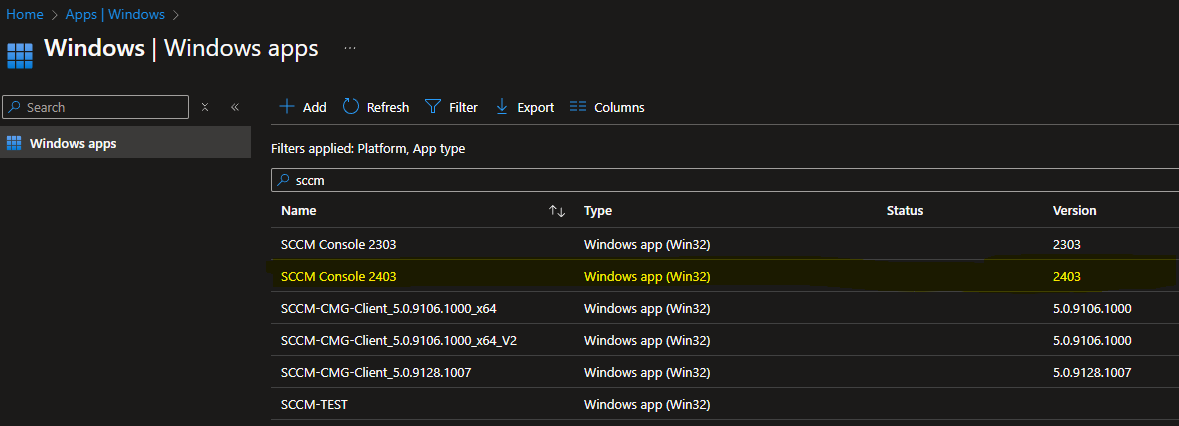
So install from either intune or SCCM. Once it has installed OK.
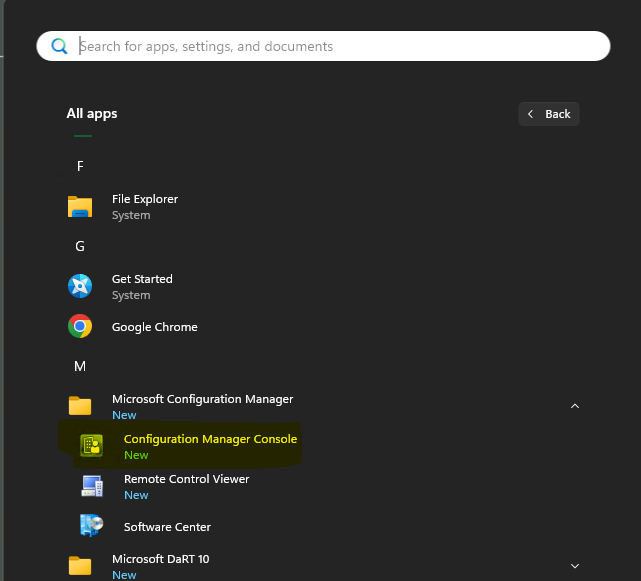
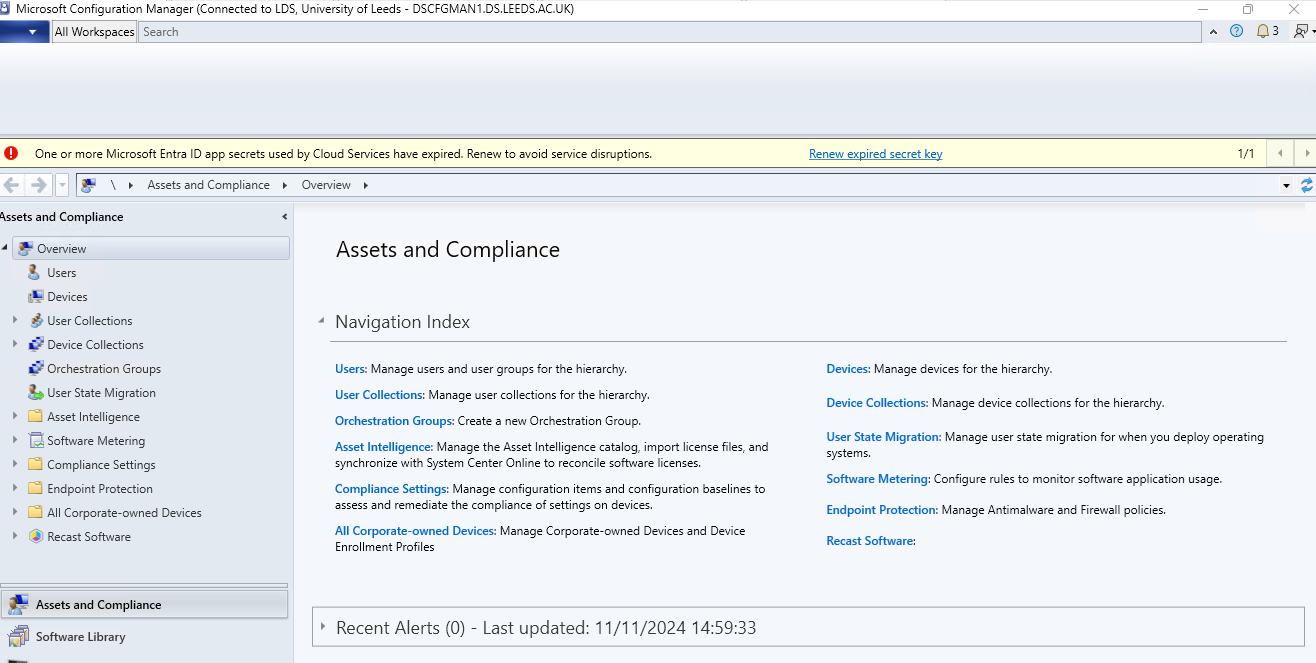
Once you have done this close the Console and then
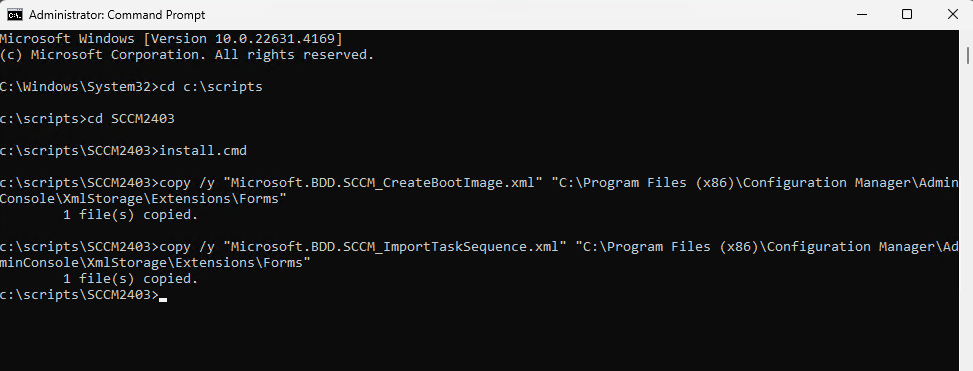
Then everything what is needed is available.
D:\Program Files\Microsoft Configuration Manager\Client